Sharing your Wi-Fi with a guest should be simple. At Verizon, it wasn't.
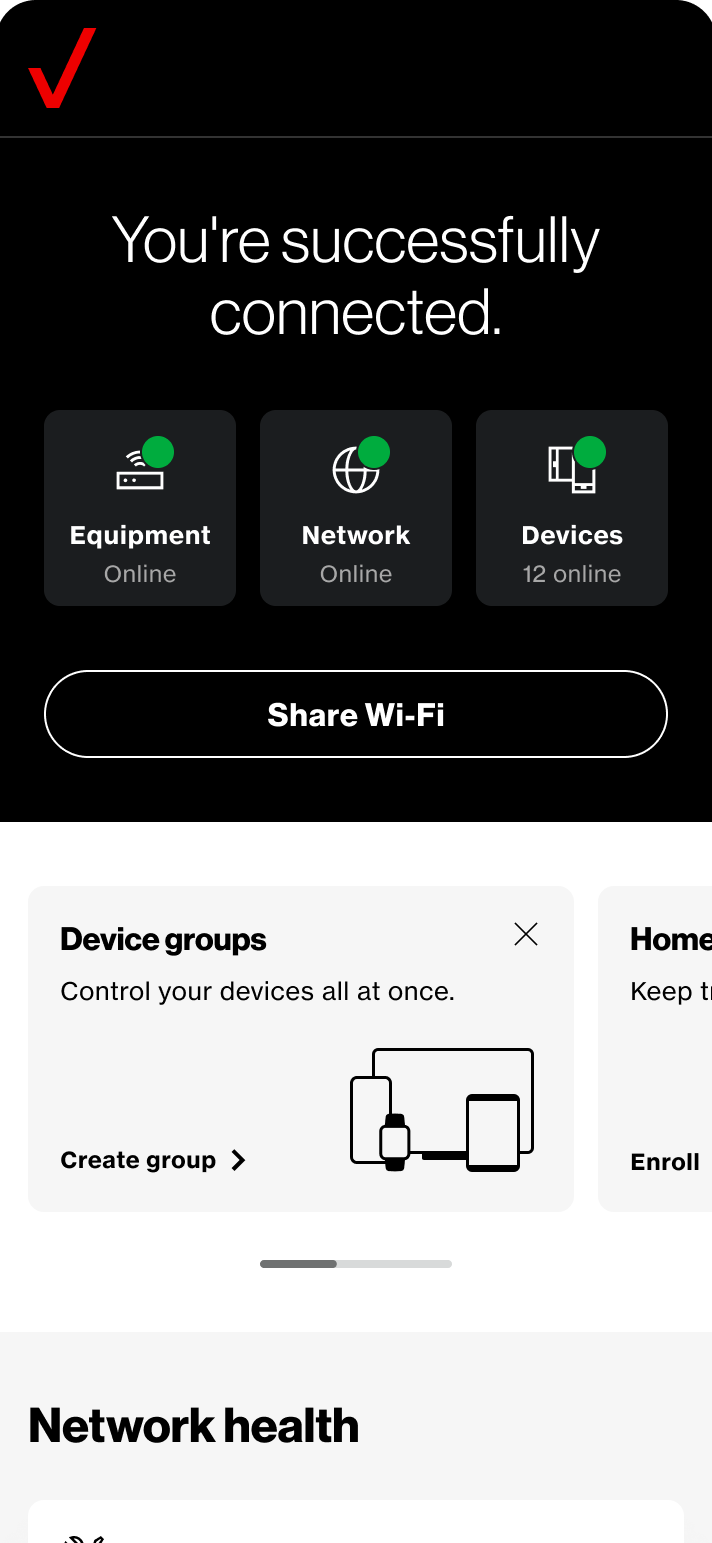
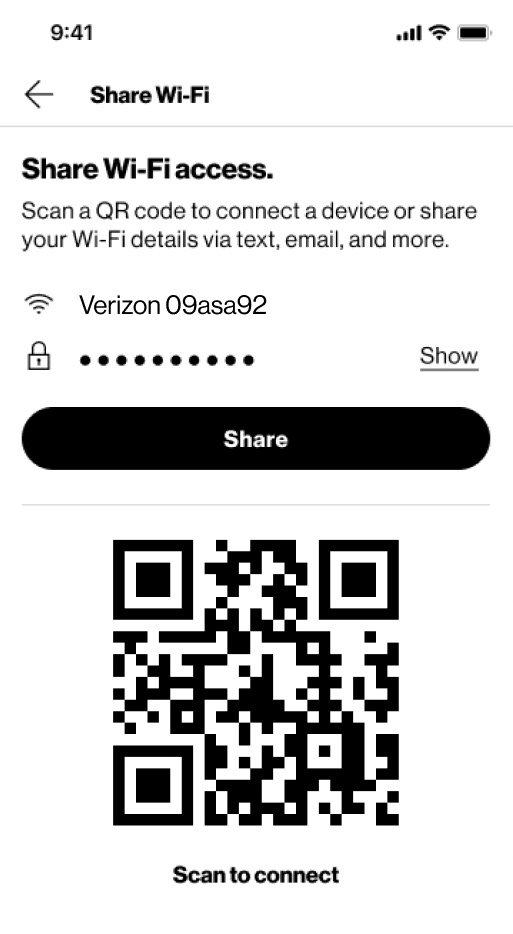
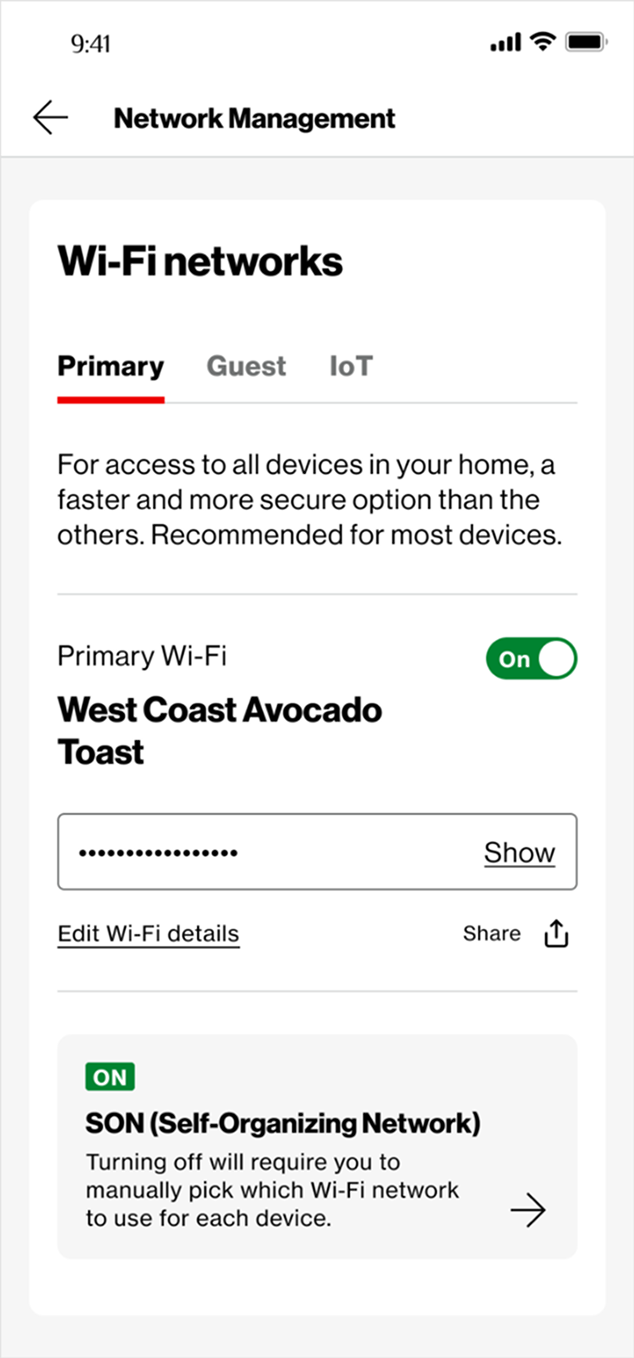
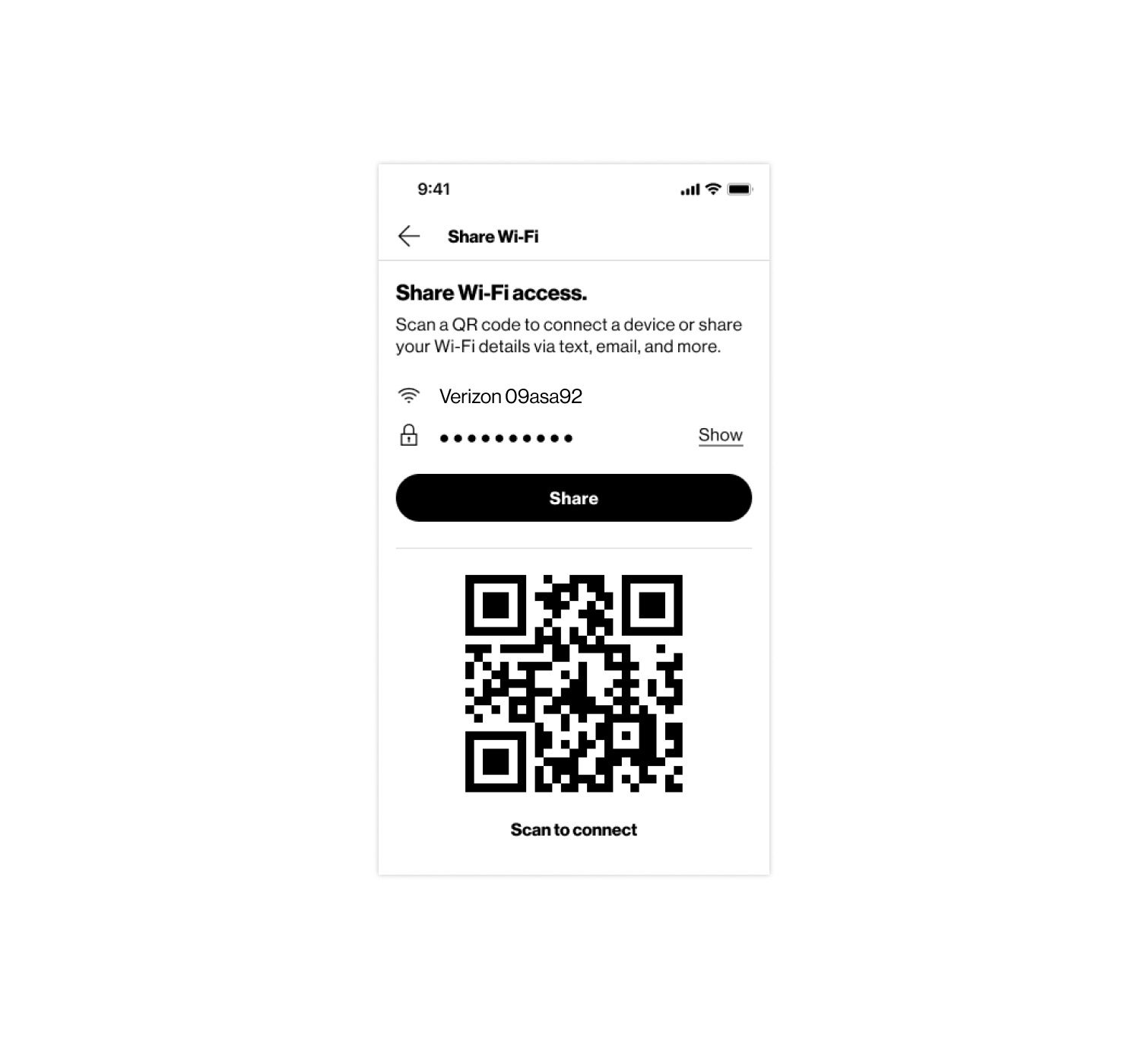
The app's home screen: "You're successfully connected", equipment, network and devices online, and a Share Wi-Fi button The shipped Share Wi-Fi screen — network name, masked password, a share control and a QR code to scan to connect Network Management, the primary Wi-Fi network with its password field, Edit Wi-Fi details and Share

2021 — 2024

194
Participants in the Kano study
36
Features scored in the Kano study
15M+
Users on the My Verizon app
Role
Senior Design Manager
Leadership
Co-led a 10-person Publicis Sapient team
Team
Verizon Product Studio, Home Category
Company
Verizon
Period
2021 — 2024
The shipped Share Wi-Fi screen — network name, masked password, a share control and a QR code to scan to connect
The shipped Wi-Fi sharing experience in the Verizon Home app. Four research studies helped shape the decisions behind it.

Protected

Confidential information

Unlock this case study to see the results of this work by contacting me for the password.

What's inside

Verizon had built Wi-Fi sharing in four different places. Customers still struggled to find it. We set out to consolidate the experience, but research challenged two of our assumptions along the way. Four studies helped us determine what customers actually needed — and what we ultimately shipped.

Request the password

Usually within a day Or write to nachapman@gmail.com

Top